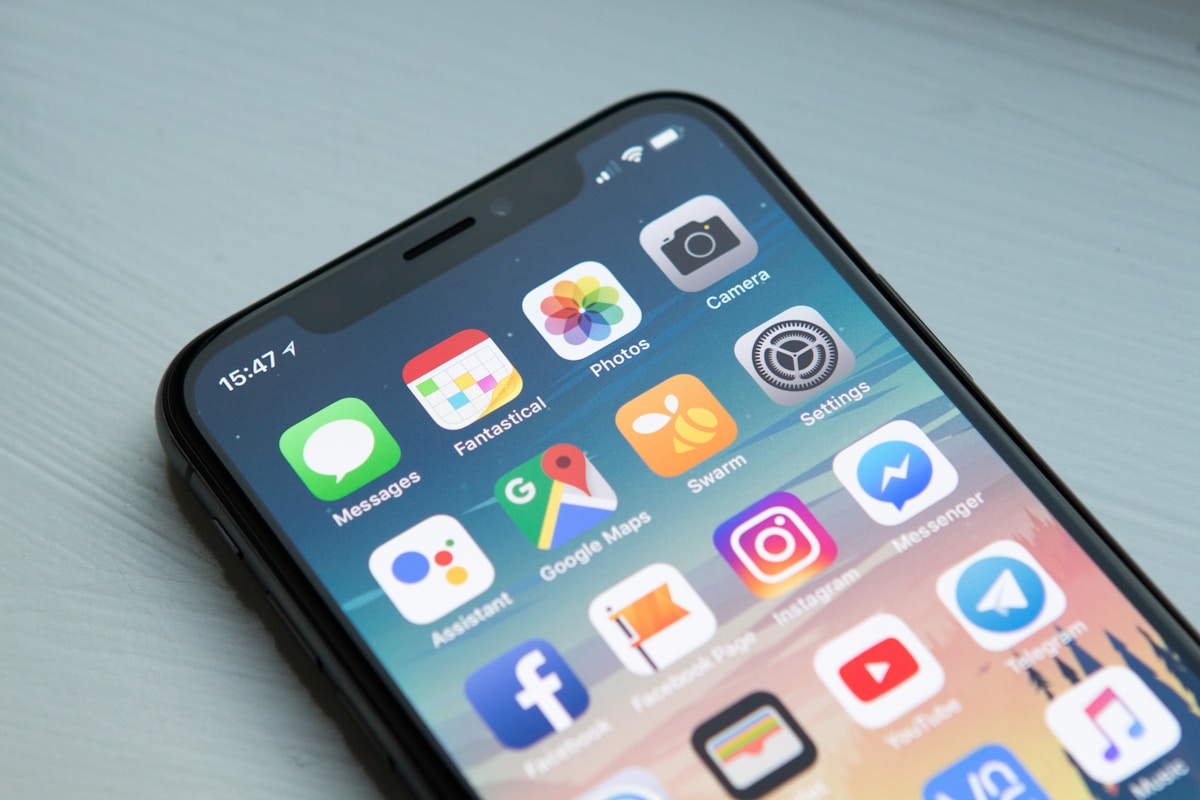
If you are visiting Singapore, you do not need to buy a SIM card at Changi Airport. The tourist SIM counters at Changi charge $15-30 SGD for a 7-day plan with 10-50GB, and you lose 15-20 minutes in the queue after a long flight. An eSIM gives you the same data coverage for 30-50% less, activates in under 3 minutes on your phone, and you can buy it before you even board your flight.
We tested five eSIM providers for Singapore travelers across coverage, pricing, activation speed, and reliability.
Quick verdict
Airalo is our top pick for Singapore. Best coverage, best pricing, and the fastest setup. Use our exclusive code ONLYCNEW for 15% off your first purchase or ONLYC for 10% off any plan.
Our rankings
1. Airalo - Best overall
Airalo covers 200+ countries with local, regional, and global plans. For Singapore specifically, their local plan connects you to Singtel or StarHub networks, which provide the best 4G/5G coverage across the island including MRT underground stations, Sentosa, and even the basement levels of Orchard Road malls.
Singapore pricing: 1GB/7 days from $4.50 USD. 3GB/30 days from $8.50 USD. 5GB/30 days from $13 USD. These prices beat Changi Airport SIM counters by 40-60%.
What we liked: Setup under 3 minutes. Real-time data usage tracking in the app. Instant top-ups when running low. The Asialink regional plan covers Singapore and 15+ countries across the region on a single eSIM - ideal if you are doing a multi-city trip through the region.
Where it falls short: Data-only, no local Singapore phone number. If you need a local +65 number for bank verification or registering for Singpass, you still need a physical SIM.
OnlyCodes exclusive codes:
- ONLYCNEW - 15% off your first eSIM purchase. Activate here - the code applies at checkout.
- ONLYC - 10% off any eSIM plan, unlimited uses. Activate here - the code applies at checkout.
2. Holafly - Best for unlimited data
Holafly offers unlimited data plans that no other provider matches. If you stream video heavily, use your phone as a hotspot for your laptop at the hotel, or just do not want to think about data caps, Holafly removes that worry entirely.
Singapore pricing: Unlimited data from $6 USD per day. A 7-day plan runs roughly $19 USD.
Catch: "Unlimited" comes with speed throttling after heavy use. In our testing, speeds dropped from 30+ Mbps to 5-8 Mbps after about 2GB in a single day. Usable, but noticeably slower for video calls.
Best for: Heavy data users, video streamers, and travelers using their phone as a hotspot.
3. Nomad - Best for specific routes
Nomad is competitive in Singapore and sometimes beats Airalo on specific plan sizes. Their interface is clean and the activation process is straightforward.
Singapore pricing: 1GB/7 days from $5 USD. 5GB/30 days from $12 USD.
Best for: Travelers who want to compare plan-by-plan pricing. Check both Nomad and Airalo for your exact data needs before deciding.
4. Maya Mobile - Strong regional option
Maya Mobile offers competitive pricing with a focus on regional coverage. Their Singapore plans connect to reliable local networks with good coverage across the island.
Best for: Budget-conscious travelers and those visiting multiple countries in the region.
5. GigSky - Pay as you go
GigSky offers flexible pay-as-you-go pricing. Useful if you are unsure how much data you need and want to avoid committing to a fixed plan.
Best for: Short stopovers and uncertain travel plans.
Singapore airport SIM vs eSIM comparison
| Factor | Changi Airport SIM | eSIM (Airalo) | |---|---|---| | Cost (7 days, 5GB) | $18-25 SGD | ~$13 USD ($17 SGD) | | Setup time | 15-20 minutes | Under 3 minutes | | Queue wait | Yes, sometimes long | None | | Keep your home number | No (swap SIM) | Yes (dual SIM) | | Multi-country coverage | No | Yes (regional plans) | | Top-up | Visit a store | Instant in app |
How to set up your eSIM for Singapore
Before your flight (recommended): 1. Download the Airalo app on your phone 2. Search for "Singapore" or "Asialink" (regional plan) 3. Pick your plan based on trip length and data needs 4. Purchase and scan the QR code - the eSIM installs in your settings 5. Do NOT activate yet - wait until you land
When you land at Changi: 1. Turn off airplane mode 2. Go to Settings, then Cellular (iPhone) or Network (Android) 3. Select the eSIM line and enable data roaming 4. You are online. Walk past the SIM counter queue.
Pro tip: Install the eSIM at home over WiFi before your trip. If you wait until Changi, you need to find WiFi to download it, which defeats the purpose.
Singapore-specific tips
Data usage guide: Google Maps navigation uses about 5-10MB per hour. Grab rides use minimal data. WhatsApp calls use about 30MB per hour. Video streaming (Netflix, YouTube) uses 1-3GB per hour at standard quality. For a typical 5-day business trip with normal usage, 3-5GB is enough.
Coverage: Singapore has excellent 4G/5G coverage everywhere - MRT stations, shopping malls, Sentosa, Marina Bay, Jurong, Changi area. You will not have dead zones with any major carrier.
Grab and food delivery: Grab, foodpanda, and Deliveroo all work perfectly on eSIM data. No local number needed for these apps if you already have an account.
Banking apps: Some banking apps require SMS verification to a local number. An eSIM does not provide this - you need a physical SIM or to use your home number for SMS. Plan accordingly if you need to set up local banking.
When a physical SIM is still better
eSIM is not always the right choice. Get a physical SIM instead if you are staying longer than 30 days (local monthly plans from Singtel, StarHub, or M1 are cheaper for long stays), if you need a +65 phone number for Singpass registration or local bank accounts, if your phone does not support eSIM (check Settings first), or if you need truly unlimited data at the absolute cheapest price.
For trips under 30 days where you primarily need data, eSIM wins every time.
Frequently asked questions
Will WhatsApp work with an eSIM in Singapore?
Yes. WhatsApp is tied to your phone number, not your SIM. As long as your phone has data from any source, WhatsApp works normally. Your contacts see no change.
Can I use my eSIM as a hotspot?
Most Airalo plans allow hotspot use. Check the plan details before purchasing. Hotspot drains data fast - budget 500MB-1GB per hour of laptop use.
What happens if I run out of data?
Buy more in the Airalo app. Top-ups are instant and add to your existing plan. No need to visit a store.
Does eSIM work on my phone?
All iPhones from XS onwards, Samsung Galaxy S20+, Google Pixel 3+, and most flagship Android phones from 2020 onwards support eSIM. Check Settings on your phone to confirm.
Is eSIM data secure?
Yes, as secure as a regular SIM. For additional privacy, pair it with a VPN like NordVPN.
FAQ
What is the main advantage of using an eSIM over buying a physical SIM card at Changi Airport? eSIMs cost 30-50% less than physical SIM cards at Changi Airport, activate in under 3 minutes directly on your phone, and can be purchased before your flight. This saves you 15-20 minutes waiting in airport queues and costs significantly less than the $15-30 SGD charged at tourist SIM counters.
Which networks do Airalo eSIMs connect to in Singapore? Airalo's Singapore eSIMs connect to Singtel or StarHub networks, which provide the best 4G/5G coverage across Singapore including MRT underground stations, Sentosa, and basement levels of Orchard Road shopping malls.
Does an eSIM provide a local Singapore phone number? No, most eSIM providers including Airalo offer data-only services without a local +65 phone number. If you need a local Singapore number for bank verification or Singpass registration, you would still need to get a physical SIM card.
What happens with Holafly's unlimited data plans after heavy usage? While Holafly advertises unlimited data, speeds get throttled after heavy use. In testing, speeds dropped from 30+ Mbps to 5-8 Mbps after approximately 2GB of usage in a single day, though the connection remains usable for basic tasks.
You Might Also Like
- TCL TV Singapore Review 2026: Best Budget TV?
- Apple Trade-In Singapore 2026: iPhone, MacBook & iPad Values (Updated)
- Best Robot Vacuum Under $500 2026: 5 Tested at Home
Related Reading
- Best Standing Desk Singapore 2026: Autonomous Wins on Value
- Best Wireless Earbuds Under S$150 Singapore 2026: 5 Tested
- Best Budget Smartphones Under S$400 Singapore 2026: 5 Tested
- Best Hair Dryer Singapore 2026: Dyson vs Philips Compared
- Best Smartwatch Under S$300 Singapore 2026: Samsung Wins
- Samsung Galaxy Singapore 2026: Real Prices Across 5 Stores
- Best Gaming Headsets Under S$150 Singapore 2026: Razer Wins
- Best Mechanical Keyboards Singapore 2026: Logitech Wins
- Best Bluetooth Speakers Singapore 2026: JBL Wins Outdoors
- Best Air Purifier Singapore 2026: Xiaomi vs Dyson Compared
- Best Portable SSD Singapore 2026: Samsung Wins on Durability
OnlyCodes Deals
- Airalo - 15% Off First eSIM | Code: ONLYCNEW | Get Deal
- Airalo - 10% Off All eSIMs | Code: ONLYC | Get Deal
- NordVPN - 72% Off + 3 Months Free | Get Deal
---
OnlyCodes may earn a commission when you purchase through our links. This does not influence our recommendations.