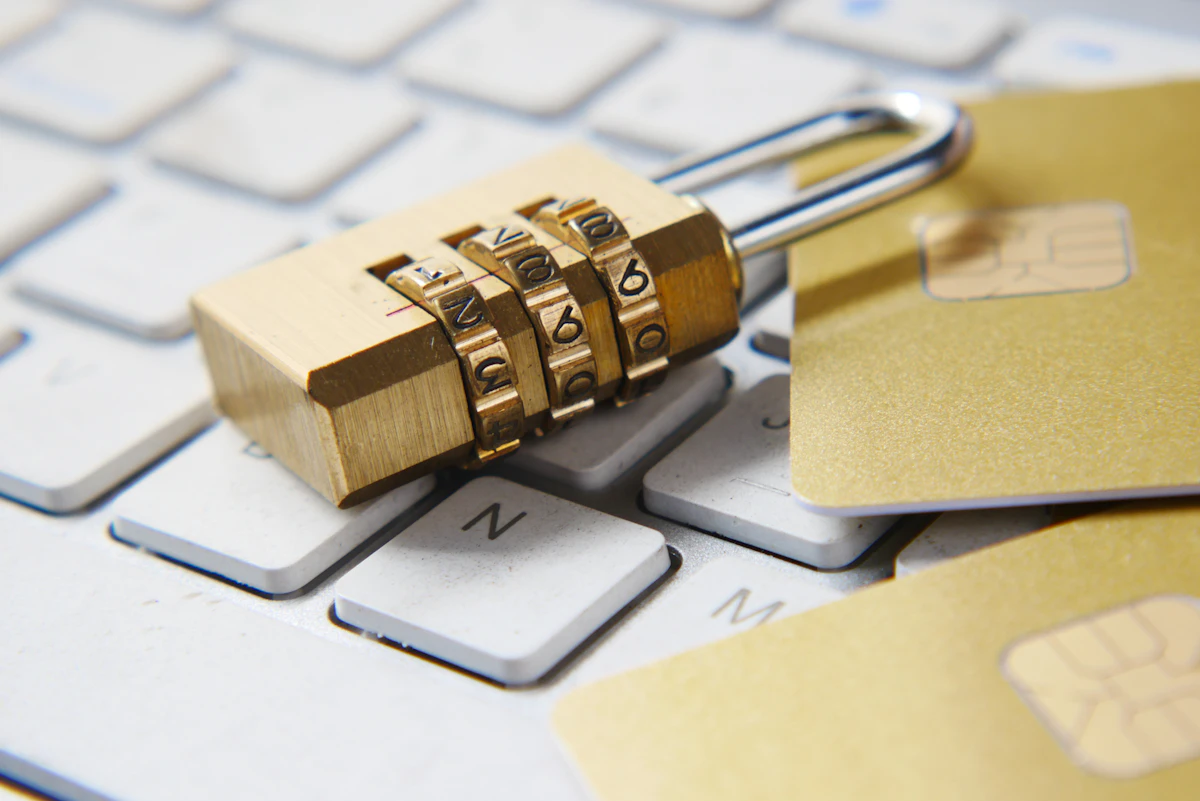
Filipino internet users face growing threats from credential stuffing, SIM swap fraud, and phishing attacks targeting GCash and banking apps. If you reuse the same password across BPI, GCash, and your email, one breach exposes everything. A password manager generates unique, strong passwords and remembers them all.
We compared six password managers for security, usability, and PHP pricing for Philippine users.
Quick verdict
1Password is the best overall. Bitwarden is the best free option - critical in a price-sensitive market. NordPass at $1.49/month (about PHP 86) is the best value with NordVPN bundle.
How they compare
| Manager | Best for | Free tier | Price (PHP) | Our score | |---|---|---|---|---| | 1Password | Most users | No | About PHP 173/mo | 91/100 | | NordPass | Value | Yes (1 device) | About PHP 86/mo | 88/100 | | Bitwarden | Free tier | Yes (unlimited) | Free or PHP 58/mo | 86/100 | | Keeper | Enterprise | No | About PHP 169/mo | 82/100 | | Dashlane | Feature-rich | No | About PHP 289/mo | 80/100 | | LastPass | Not recommended | Yes | About PHP 173/mo | 68/100 |
1Password - Best overall
1Password is the most polished option. Watchtower monitors breaches. Travel Mode hides vaults at borders. Family plan covers 5 members. At PHP 173/month, it is a real expense for Filipino budgets but worth it for professionals and families.
NordPass - Best value
NordPass at PHP 86/month is more budget-friendly. The NordVPN Plus plan bundles NordPass for free.
Bitwarden - Best free (recommended for most Filipinos)
Bitwarden is arguably the best choice for the Philippine market. Unlimited passwords on unlimited devices for free. Open-source and audited. In a price-sensitive market, Bitwarden delivers enterprise-grade security at zero cost.
Keeper, Dashlane, LastPass
Keeper for BSP-regulated businesses. Dashlane has the most features but PHP 289/month is steep. LastPass is not recommended after its 2022 breach.
Philippines-specific considerations
GCash security: GCash is the dominant digital wallet in the Philippines with tens of millions of users. GCash account takeovers are a growing problem. Use a unique, strong password for GCash and store it in your password manager. This is arguably the most important single password for many Filipinos.
Banking apps: BPI, BDO, Metrobank, UnionBank, and other Philippine banking apps all require strong passwords. Phishing attacks targeting Filipino bank customers arrive via SMS, Viber, and Facebook Messenger. A password manager only autofills on legitimate sites, catching phishing attempts automatically.
SIM swap fraud: The Philippines has a SIM Registration Act, but SIM swap fraud still occurs. If your phone number is compromised, attackers can reset passwords using SMS verification. A password manager with 2FA (TOTP) provides a backup verification method that does not depend on your phone number.
Facebook and social media: Many Filipinos use Facebook as their primary digital identity. A compromised Facebook password can lead to identity theft and scams targeting your contacts. Use a unique, strong password for Facebook and all social media accounts.
Shopee and Lazada: Philippine e-commerce accounts with saved GCash or credit card details need unique passwords. Data breaches at these platforms put your payment information at risk.
Philippine Data Privacy Act: NPC (National Privacy Commission) handles data breach notifications, but prevention is your responsibility. Unique passwords across all accounts are your first defense.
Budget reality: For Filipino users watching every peso, Bitwarden free is the clear recommendation. It provides the same core security as paid options at zero cost.
How to get started
1. Download Bitwarden (free) or your preferred manager 2. Set a strong master password (at least 16 characters) 3. Import saved passwords from Chrome or Safari 4. Replace weak passwords starting with GCash, banking, and email 5. Enable 2FA on critical accounts using the password manager's TOTP feature
Frequently asked questions
Which free password manager is best for the Philippines?
Bitwarden. Unlimited passwords, unlimited devices, open-source, free forever.
Does a password manager protect my GCash?
It stores a unique, strong GCash password. Autofill may not work inside the GCash app, but the password is always retrievable and guaranteed to be unique.
Can password managers prevent SIM swap attacks?
Not directly, but password managers with TOTP support provide 2FA codes that do not rely on SMS. This means even if someone swaps your SIM, they cannot generate the 2FA code.
Is Bitwarden safe for banking passwords?
Yes. Bitwarden uses AES-256 encryption with zero-knowledge architecture. Your passwords are encrypted on your device before being stored. Even Bitwarden staff cannot see them.
FAQ
What makes a password manager essential for Filipino users? Filipino internet users face increasing threats from credential stuffing, SIM swap fraud, and phishing attacks specifically targeting popular apps like GCash and banking platforms. If you reuse the same password across BPI, GCash, and your email accounts, a single breach can expose all your accounts. A password manager generates unique, strong passwords for each account and securely stores them all.
Which password manager offers the best value for Philippine users on a budget? NordPass provides the best value at approximately PHP 86 per month. It becomes even more cost-effective when bundled with NordVPN Plus, where NordPass is included for free. For users seeking maximum savings, Bitwarden offers an excellent free tier with unlimited password storage, making it ideal for price-sensitive Filipino users.
Is 1Password worth the higher cost for Filipino users? 1Password costs about PHP 173 per month, which represents a significant expense for Filipino budgets. However, it offers the most polished experience with features like Watchtower breach monitoring, Travel Mode for hiding vaults at borders, and family plans covering 5 members. It's primarily worth the investment for professionals and families who need premium security features.
What are the main differences between free and paid password manager options? Bitwarden offers unlimited password storage even on its free tier, while NordPass limits free users to one device. Paid versions typically include additional features like breach monitoring, secure sharing, priority support, and multi-device sync. For most Filipino users, Bitwarden's free tier provides sufficient functionality, while paid options like NordPass and 1Password offer enhanced convenience and security features.
You Might Also Like
- NordVPN vs ExpressVPN: Which One Wins on Speed and Reliability?
- Best VPN Philippines 2026
- The Best Music Streaming in May 2026: We Tested 2 Options
OnlyCodes Deals
Visit OnlyCodes for the latest deals.---
OnlyCodes may earn a commission when you purchase through our links. This does not influence our recommendations.