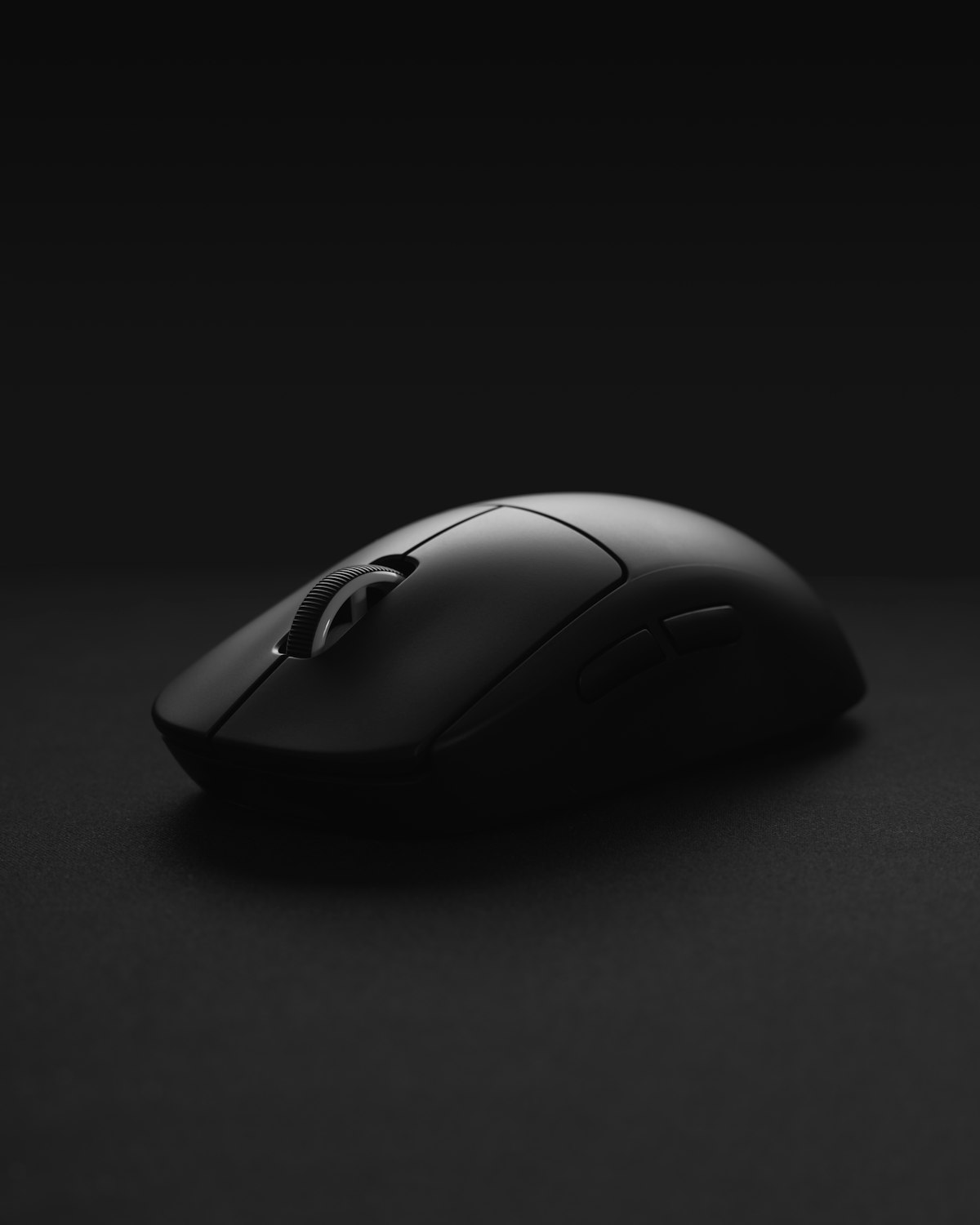
Best Razer Gaming Mouse 2026: Tested and Ranked
Razer makes more gaming mice than any other brand on the planet, and their lineup has gotten genuinely confusing. DeathAdder, Viper, Basilisk, Naga, Cobra, Orochi - there are five Pro-tier wireless models alone, plus wired and budget variants of each. Most cost between S$170 and S$240. Pick the wrong one and you'll feel it on every flick shot for the next four years.
I've spent the last few months rotating between the current generation of Razer flagship mice on my main gaming and work setup. Here's the honest breakdown of which model fits which type of player, and the one I'd actually buy if I had to pick just one.
Quick picks
| Category | Pick | Why | |---|---|---| | Best overall | Razer DeathAdder V3 Pro | The best ergonomic shape Razer has ever made, in a 63g wireless body | | Best for FPS / lightweight | Razer Viper V3 Pro | Ambidextrous, ~54g, the choice of a huge chunk of pro CS and Valorant players | | Best for productivity + gaming | Razer Basilisk V3 Pro | Side scroll wheel, programmable buttons, comfortable for 10-hour days | | Best for MMO / MOBA | Razer Naga V2 Pro | Swappable side plates with up to 12 thumb buttons | | Best budget Pro | Razer Cobra Pro | Most of the wireless tech for ~25% less than the flagships | | The non-Razer alternative | Logitech G Pro X Superlight 2 | If you want the lightest possible ambidextrous mouse and don't mind leaving the Razer ecosystem |
Why Razer dominates this category
Almost every serious gaming mouse brand on the market - Logitech, SteelSeries, Glorious, Pulsar, Endgame Gear - copies Razer's shape language. The DeathAdder shape is the single most-cloned ergonomic mouse design in the industry. Razer was first to market with optical switches, first to push 8000Hz polling rates to consumers, and their HyperSpeed wireless protocol is one of the two genuinely lag-free wireless implementations in gaming (the other is Logitech's Lightspeed).
That doesn't mean every Razer mouse is the right mouse. It means that at the top end, Razer is competing with itself more than with anyone else. The question isn't usually "Razer or Logitech" - it's "which Razer."
1. Best overall: Razer DeathAdder V3 Pro
Buy this if: You have medium-to-large hands, you palm or claw grip, and you want one mouse that does everything well.
The DeathAdder V3 Pro is what happens when Razer takes their most iconic shape - the original DeathAdder ergo curve from 2006 - and re-engineers it from scratch for 2024+ wireless gaming. The result is a 63g mouse that feels significantly lighter than its predecessors without any of the honeycomb shell hollowing that other lightweight mice resort to.
What's good:
- The ergonomic shape is genuinely one of the most comfortable I've used. After eight hours of mixed work and gaming, my hand isn't fatigued.
- Battery life is approximately 90 hours, which means I plug it in to charge once every two weeks at most.
- Razer Focus Pro 30K optical sensor - overkill for human reflexes, but the practical benefit is flawless tracking on every surface I tried, including a glass desk.
- Optical switches with no debounce delay. Click feel is crisp and slightly stiffer than the Viper.
- The ergonomic shape is a problem if you're left-handed or use a fingertip grip. Get the Viper instead.
- Price. At full retail it's one of the most expensive gaming mice on the market.
- No side scroll wheel (that's the Basilisk's job).
2. Best for FPS / lightweight: Razer Viper V3 Pro
Buy this if: You play CS2, Valorant, Apex, or any twitch-heavy FPS, and you grip your mouse with your fingertips or a low claw.
The Viper V3 Pro is the mouse you see in the hands of the most professional FPS players who don't have a Logitech sponsorship. At approximately 54 grams, it's noticeably lighter than the DeathAdder, and the ambidextrous shape means it works for all grip styles and both hands.
What's good:
- Pure performance focus. There's no side scroll wheel, no extra buttons, nothing to add weight or distract.
- Ambidextrous shape works for finger, claw, and palm grips, though it's optimised for claw and finger.
- Same Focus Pro 30K sensor and optical switches as the DeathAdder.
- 8000Hz polling for the latency-obsessed (you need a high-refresh monitor and a decent CPU to actually benefit).
- Only two side buttons, both on the left side. If you use the right-side mouse buttons of an ambidextrous mouse, you have to buy the Viper 8K wired version, which has them.
- The shape is small. If you have large hands and palm grip, you'll outgrow it. Get the DeathAdder.
3. Best for productivity + gaming: Razer Basilisk V3 Pro
Buy this if: You spend half your day in Excel, code, or design tools and the other half in MMOs, RPGs, or strategy games.
The Basilisk V3 Pro is the mouse for people who refuse to keep separate work and gaming peripherals. It's heavier than the DeathAdder (around 112g) and has more buttons than you probably need, but the trade-off is the HyperScroll Tilt Wheel - a free-spinning scroll wheel that switches between tactile and frictionless modes with a button press. For long documents, code, or spreadsheets, this is genuinely transformative. For gaming, it's a normal scroll wheel.
What's good:
- The free-spin scroll wheel alone justifies the price if you do any serious productivity work.
- 11 programmable buttons, including a thumb-rest paddle that's perfect for push-to-talk.
- Excellent ergonomic shape with a sculpted thumb rest. Comfortable for marathon sessions.
- Wireless charging compatible if you buy the Razer Mouse Dock Pro.
- Heavy. At 112g it's almost double the weight of the Viper. You'll feel it in fast-paced FPS games.
- The button-loaded shape is busy. If you don't need 11 buttons, you're paying for clutter.
- One of the more expensive mice in the lineup.
4. Best for MMO / MOBA: Razer Naga V2 Pro
Buy this if: You play World of Warcraft, Final Fantasy XIV, Lost Ark, Path of Exile, or any game where you'd rather have a button than a key combo.
The Naga V2 Pro is the only mouse on this list with swappable side plates. You get three plates in the box: a 12-button keypad (the classic Naga layout), a 6-button layout, and a 2-button layout. Switch between them in seconds depending on what you're playing.
What's good:
- 12 programmable thumb buttons when you need them, hidden under a 2-button plate when you don't.
- Same wireless and sensor tech as the DeathAdder Pro.
- Genuinely useful in games beyond MMOs - I've used the 6-button plate for emote wheels in MOBAs and as macro buttons in Photoshop.
- Wireless charging compatible.
- Heavy and large. Not a mouse for fast FPS aiming.
- Expensive - usually the most expensive Razer mouse you can buy.
- The 12-button plate has a learning curve. Expect a week before you stop misclicking.
5. Best budget Pro: Razer Cobra Pro
Buy this if: You want most of the flagship wireless tech without the flagship price.
The Cobra Pro is Razer's "good enough" mouse - wireless HyperSpeed, optical switches, RGB lighting under the palm and around the base, all in a smaller and lighter package than the DeathAdder. It uses an older Focus Pro 30K sensor and slightly less premium switches, but in actual use the difference is invisible to anyone who isn't playing at a pro level.
What's good:
- Substantially cheaper than the DeathAdder Pro for 80% of the experience.
- 77g - lighter than the Basilisk, heavier than the Viper.
- Compact ambidextrous shape works for most hand sizes.
- The RGB is genuinely well-implemented if you care about that.
- Only about 100 hours of battery life vs the flagships (still excellent in absolute terms).
- The shape is a less-refined ambidextrous design than the Viper.
- If you're going to spend this much, you might as well jump to the Viper or DeathAdder.
The non-Razer alternative: Logitech G Pro X Superlight 2
I want to be honest about the one mouse that might genuinely beat the Razer Viper V3 Pro for FPS players: the Logitech G Pro X Superlight 2.
Weighing approximately 60 grams in an ambidextrous shape that's slightly larger than the Viper, it has Logitech's Lightspeed wireless (functionally identical to HyperSpeed in latency), the HERO 2 sensor, and a build quality that feels marginally more premium than the Viper. It's also the mouse with the largest current professional FPS player base.
Pick the Logitech instead of the Viper if:
- You have slightly larger hands and the Viper feels too small
- You're already on Logitech G Hub and don't want to install Razer Synapse
- You prefer a slightly stiffer click feel
- You want lower weight (54g vs 60g)
- You prefer Razer's optical switches
- You're already in the Razer ecosystem (keyboard, headset, etc.)
How to actually choose
Forget every spec for a second. The questions that actually matter:
1. What's your hand size? Small to medium → Viper. Medium to large → DeathAdder. Large → Basilisk. 2. What's your grip? Palm → DeathAdder or Basilisk. Claw → Viper or DeathAdder. Fingertip → Viper. 3. What do you play most? FPS → Viper. Mixed FPS + RPG → DeathAdder. MMO → Naga. Strategy + work → Basilisk. 4. Do you want a side scroll wheel? Yes → Basilisk only. No → any of the others. 5. Do you need more than 2 thumb buttons? Yes → Naga or Basilisk. No → DeathAdder or Viper.
If you answer "I don't know" to most of these, get the DeathAdder V3 Pro. It's the safest pick and the one I recommend most often when friends ask.
FAQ
Which Razer mouse do most pro players use? The Razer Viper V3 Pro is the most common Razer mouse in professional FPS esports. The DeathAdder V3 Pro is more popular among streamers and content creators who prioritise comfort over absolute lightweight performance.
Are wireless gaming mice as fast as wired? For all practical purposes, yes. Razer HyperSpeed Wireless and Logitech Lightspeed both have latency below 1ms, which is faster than the response time of most monitors and well below the threshold of human perception. Wired mice are not meaningfully faster - they're just cheaper and don't need charging.
How long do Razer wireless mice last on a charge? The current Pro-tier Razer mice (DeathAdder V3 Pro, Viper V3 Pro, Basilisk V3 Pro) get approximately 90 hours of use per charge with RGB off. The Cobra Pro gets roughly 100 hours. Real-world that translates to charging once every one to two weeks for most players.
Is the Razer Naga V2 Pro worth it for non-MMO games? Yes - the swappable side plates mean you can run it as a 2-button mouse for shooters and a 12-button mouse for MMOs without switching hardware. The 6-button middle plate is also great for MOBAs and emulator gaming.
Is Razer Synapse software required? You can use any Razer mouse without Synapse - they store DPI and basic settings in onboard memory. Synapse is only needed for remapping buttons, RGB customisation, and macros. It's a heavier piece of software than most competitors and a frequent complaint, but you can avoid it if you don't need the customisation.
Should I buy a Razer mouse with 8000Hz polling? Only if you have a 240Hz+ monitor and a current-generation CPU. At 1000Hz (the standard), no human can detect input lag differences. The 8000Hz mode genuinely reduces latency by another 0.5-1ms but the marginal benefit is reserved for top-tier competitive players on top-tier hardware. For 99% of buyers, leave it at 1000Hz to extend battery life.
Where can I buy Razer mice in Singapore? Razer products are sold through the official Razer store in Singapore, major electronics retailers, and through authorised online retailers. Check current pricing on the official Razer site and authorised resellers - promotional pricing varies significantly, especially around major shopping events.
The final verdict
If you only read one paragraph: get the Razer DeathAdder V3 Pro unless you specifically play FPS at a high level (in which case get the Razer Viper V3 Pro) or you specifically play MMOs (in which case get the Razer Naga V2 Pro). The Basilisk V3 Pro is for people who blend serious work and serious gaming on the same machine. The Cobra Pro is for people on a budget. The Logitech G Pro X Superlight 2 is the only non-Razer mouse worth seriously cross-shopping.
Don't pay full retail unless you have to. Razer runs major promotions multiple times per year and the price difference can easily be 20-30%. Set a price alert and wait if you're not in a rush.
You Might Also Like
- Best Gaming Mouse Q1 2026: 8 Tested and Compared
- Best Gaming Top-Up Sites: UniPin vs SEAGM vs Codashop
- The Best Music Streaming in May 2026: We Tested 2 Options
OnlyCodes Deals
Visit OnlyCodes for the latest deals.---
OnlyCodes may earn a commission when you purchase through our links. This does not influence our recommendations.